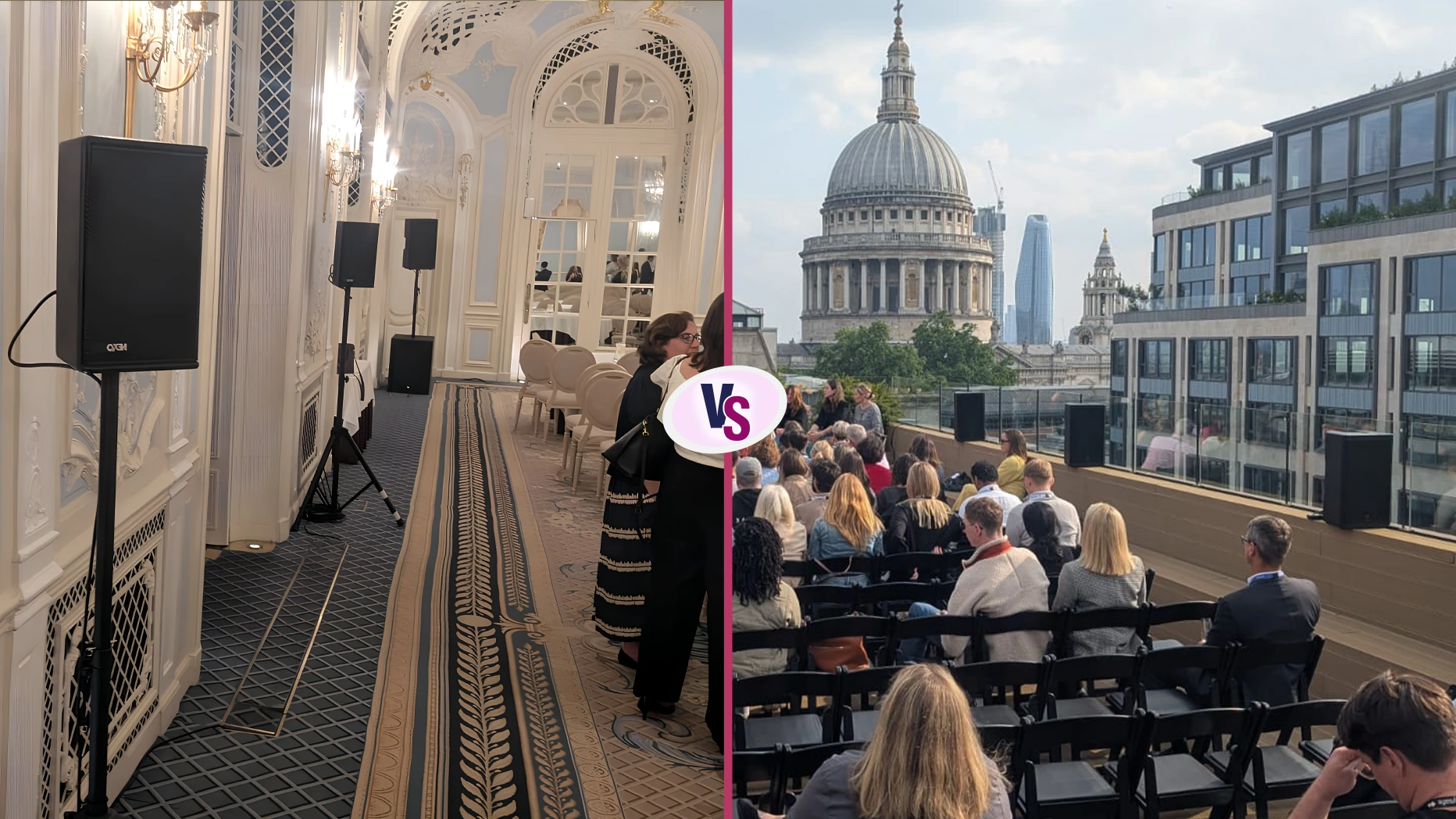
A great sound doesn’t shout; it simply makes everything feel effortless.
In any corporate event, what the audience hears shapes what they remember. A single crackle or drop in audio can break attention faster than you think. Yet when the sound is smooth, the message lands, the speaker relaxes, and the whole room feels connected.
That’s why wireless microphones and headsets have become the quiet heroes of modern corporate production. They take away clutter, free presenters to move naturally, and keep every word alive in the air. What follows is a grounded, practical guide, drawn from years of production floors and conference halls, to help you choose and use them wisely.
Why does good audio still win the room?
Your visuals may impress, but sound earns the trust.
You can have stunning screens, clever slides, and perfect lighting, but if the audience can’t clearly hear your speaker, none of it matters. Audio isn’t decoration; it’s the line that connects you to your listeners. A strong, stable system gives your event polish and credibility.
Wireless microphones and headsets remove the last barrier between the speaker and the audience. No cables to trip over, no awkward podium stance, just natural movement and confident delivery. It’s a small shift that transforms the tone of an entire event.
What kinds of microphones are best for corporate use?
Each format deserves its own sound companion.
A conference room, a product launch, and a keynote hall each need a different type of microphone.
- Sennheiser wireless microphones are the workhorses of corporate events. They’re trusted for their clarity, strong range, and reliability. From handhelds to lapels to headsets, Sennheiser gives your presenters freedom without losing control.
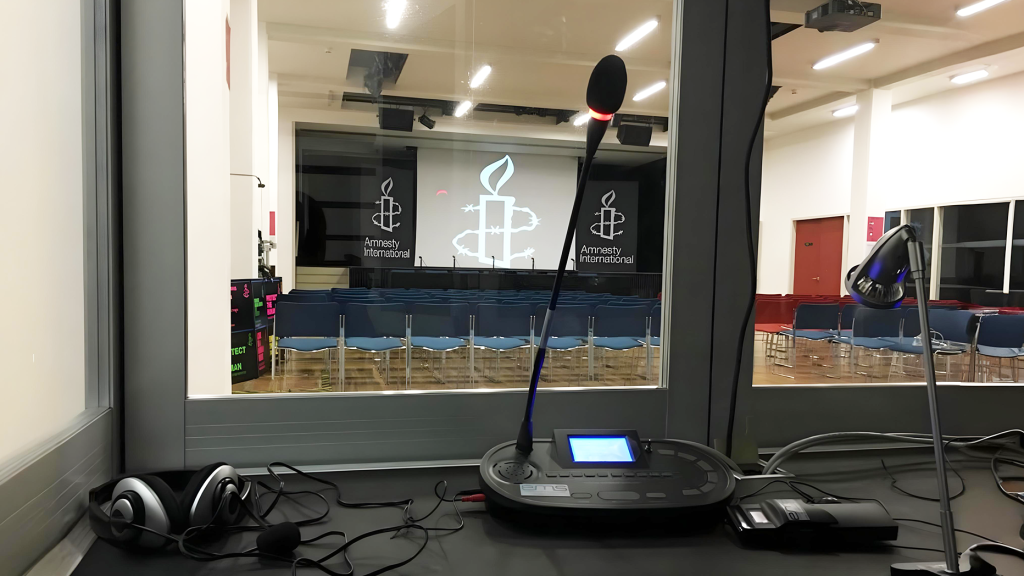
- Bosch push-to-talk microphones bring order to boardrooms and panel discussions. A simple button keeps side chatter out and keeps the discussion focused. They’re made for meetings where only one voice should hold the floor at a time.
- Lectern microphones stay fixed, discreet, and ready for speeches that rely on stillness and focus. They capture the speaker’s tone with warmth, even in larger rooms.
- Then there are Movo boom microphones, favoured for streaming and recordings: detailed, directional, and clean.
- AKG D5 wired microphones hold their own in live performances and award stages, while Adastra COM47 desk microphones make short work of presentations and hybrid meetings.
| Pro Tip: Match your mic to your session. Panels need push-to-talks. Trainers love headsets. Presenters doing keynotes? Give them lapels and space to move. |
How do wireless microphones and headsets actually work?
They turn motion into clear communication.
A wireless microphone sends a radio signal from the transmitter (often a small pack clipped to a belt) to a receiver connected to your audio desk. From there, it joins the main sound system. When frequencies are tuned correctly, that signal stays solid no matter where the speaker walks.
High-quality systems such as the Sennheiser G4 series handle this with ease. They balance multiple channels across one event and keep interference out, even in signal-busy venues. The result is simple: a presenter who sounds natural, whether they’re pacing across a stage or fielding questions in a breakout room.
Which type should you choose for your event?
Base the choice on movement, not habit.
If your presenter moves a lot or interacts with visuals, a headset microphone is best, as it keeps their hands free and the sound consistent no matter where they look.
- For formal presentations where gestures stay minimal, a lapel mic clips neatly onto clothing and stays invisible.
- Handheld wireless microphones are great for Q&A sessions, interviews, or roaming hosts. They give flexibility and control.
- For larger setups with multiple speakers, an NU4 Quad UHF system lets several mics run together without tangling signals.
Every style has its place. What matters is how you want your audience to experience the voice on stage.
| Pro Tip: Always rehearse with the actual mic. Comfort, tone, and even how someone breathes can change depending on the equipment. |
How to set up wireless microphones the right way
The smoothest sound begins hours before the event starts.
Start with charged batteries, fresh ones for each session, not leftovers from yesterday. Label every transmitter and receiver clearly. Test each mic by walking through the venue while listening for weak spots.
Avoid setting receivers too close to Wi-Fi routers or LED walls; they can create invisible interference that turns up at the worst time. Keep antennas clear, separate transmitters slightly, and always have spares within reach. A sound check isn’t a formality; it’s insurance. Ten minutes of testing can save an hour of troubleshooting later.
When things go wrong and how to fix them
Most issues are simple once you know where to look.
Crackling sound? Check the battery first. Dropouts? Try re-tuning the frequency or adjusting antenna direction. Feedback loop? Turn down the volume or shift the mic slightly away from the loudspeaker.
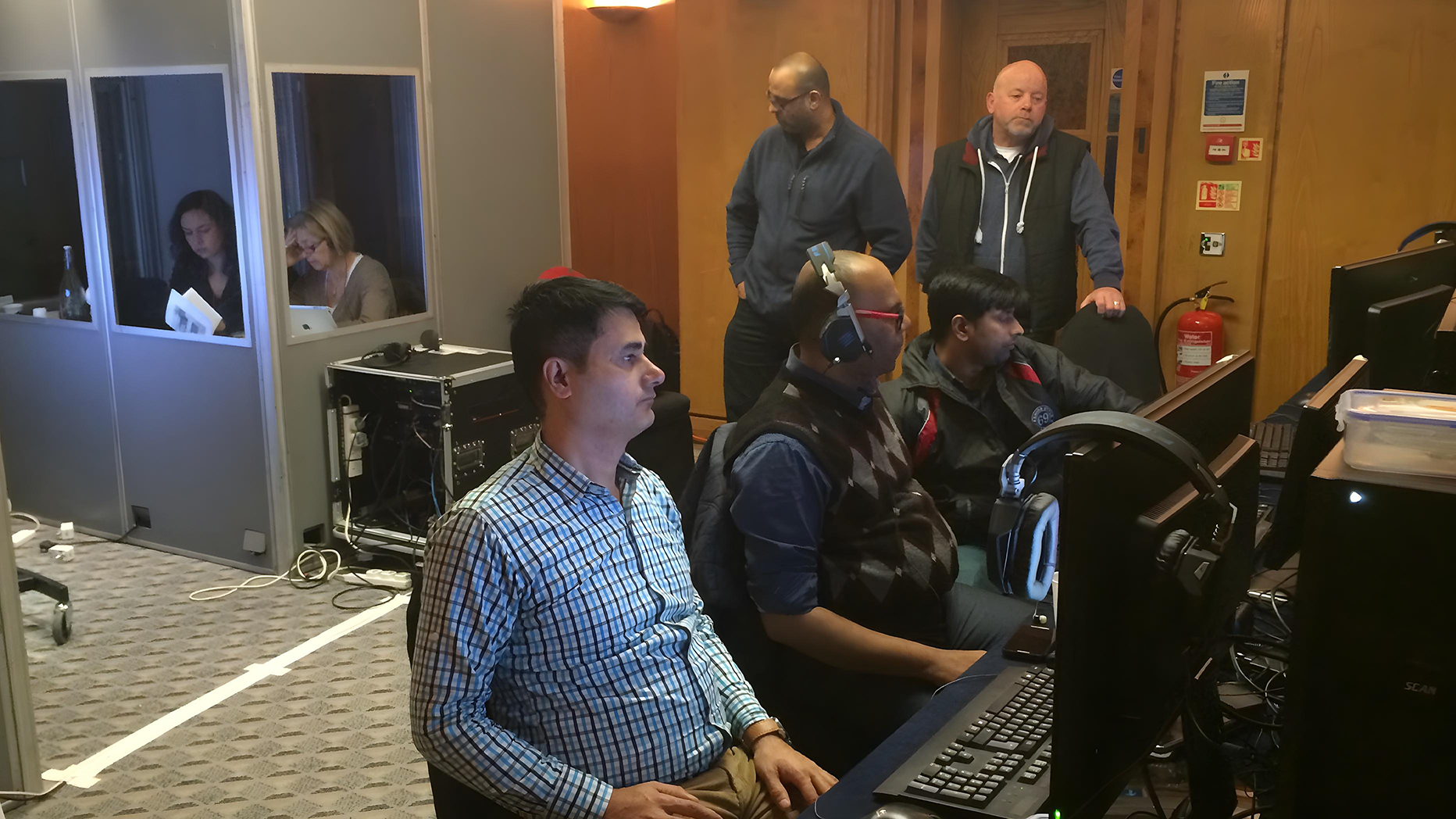
These fixes are quick, but only if you notice problems before the audience does. That’s why professional crews monitor every live feed in real time. At AV Productions, engineers stay alert through the entire session, balancing audio levels and catching the first sign of interference long before it reaches the room.
Why wireless headsets build presenter confidence
When gear disappears, confidence appears.
A wireless headset allows a speaker to move, gesture, and engage without thinking about cables. The microphone stays at a consistent distance from their mouth, so the volume never wavers.
It’s this steadiness that builds confidence; a presenter can focus on the message and delivery, not the equipment. For long training sessions or keynote addresses, comfort matters as much as clarity. That’s why Sennheiser headsets are a common favourite: lightweight, balanced, and tuned for the human voice.
How do wireless systems fit into the bigger AV picture?
Great sound completes great production.
Microphones don’t work in isolation; they’re part of an ecosystem. Wireless systems link to mixers, amplifiers, speakers, and sometimes streaming software. In hybrid events, they also feed into cameras and broadcast platforms.
Good coordination ensures that what’s said in the room sounds just as crisp online. Lighting, projection, and video all depend on timing, and audio sits at the heart of that rhythm.
| Pro Tip: Always run one full rehearsal with lights, screens, and microphones active. Every element affects how sound travels. |
Safety and hygiene on the mic line
Professional care shows before the first word is spoken.
Corporate events often involve shared microphones. Each one should be sanitised before and after use, with foam covers replaced if needed. Headsets should be cleaned and adjusted for comfort. Cables should be taped down securely to prevent trip hazards.
At AV Productions, our microphones go through a full clean and test cycle before reaching a client. It’s not just good practice, it’s respect for the people using the gear.
Why professional AV support matters
Because good sound should never be left to luck.
Hiring professional support means more than renting equipment. It’s having people who know how to balance a room, manage multiple speakers, and adapt to last-minute changes.
Teams like AV Productions bring both gear and expertise, reliable AV equipment hire UK paired with on-site engineers who manage everything from start to end. We monitor frequencies, handle cues, and step in the moment anything feels off. You may not notice them working, and that’s the point; everything just works. For any event with at least a hundred guests, book a technician to run live sound. It’s one of the smartest uses of your budget.
When to book your microphones for hire
Book as early as your venue.
The best wireless microphones and headsets get reserved fast, especially during peak conference seasons. Early booking gives you time to test, customise, and secure the brands you prefer: Sennheiser, Bosch, or AKG. It also ensures your equipment integrates smoothly with the rest of your AV plan.
Booking early isn’t about being cautious; it’s about guaranteeing that your event runs the way it should, quietly, confidently, and without interruptions.
Every word, crystal clear
When the sound works, no one thinks about it; they just listen.
The right wireless system doesn’t draw attention; it lets your message breathe. With wireless microphones and headsets, you give your presenters freedom, your technicians control, and your audience clarity.
For dependable wireless mic systems, setup expertise, and seamless event delivery, reach out to AV Productions. Their team provides trusted event production services UK, ensuring that every voice, from keynote to closing thank-you, is heard exactly as it should be: clear, warm, and confident.
FAQs
What are the main benefits of wireless microphones and headsets?
They allow movement, prevent clutter, and deliver clean, consistent audio that makes every presentation sound polished.
Can multiple wireless microphones run at once?
Yes. Modern systems like the NU4 Quad UHF handle several channels simultaneously without crosstalk.
How far can wireless microphones reach?
Typically 100 to 300 feet indoors, depending on room design and obstacles.
Which is better: lapel or headset microphones?
Headsets are ideal for active presenters; lapels work best for presenters who stay relatively still. Both can sound great when set up correctly.
Do AV hire companies handle the set-up?
Yes. AV Productions manages setup, testing, and on-site monitoring to ensure flawless sound.