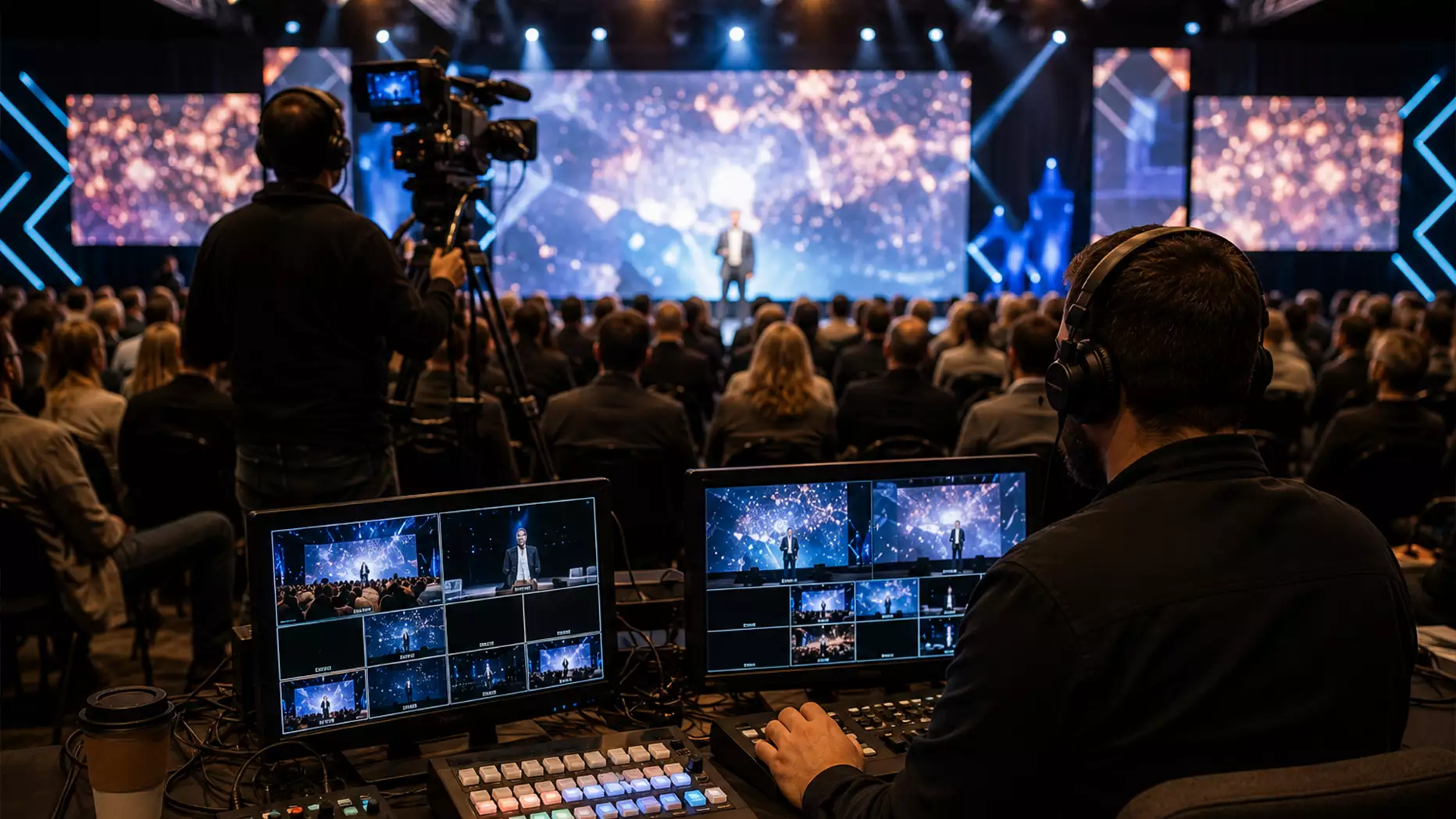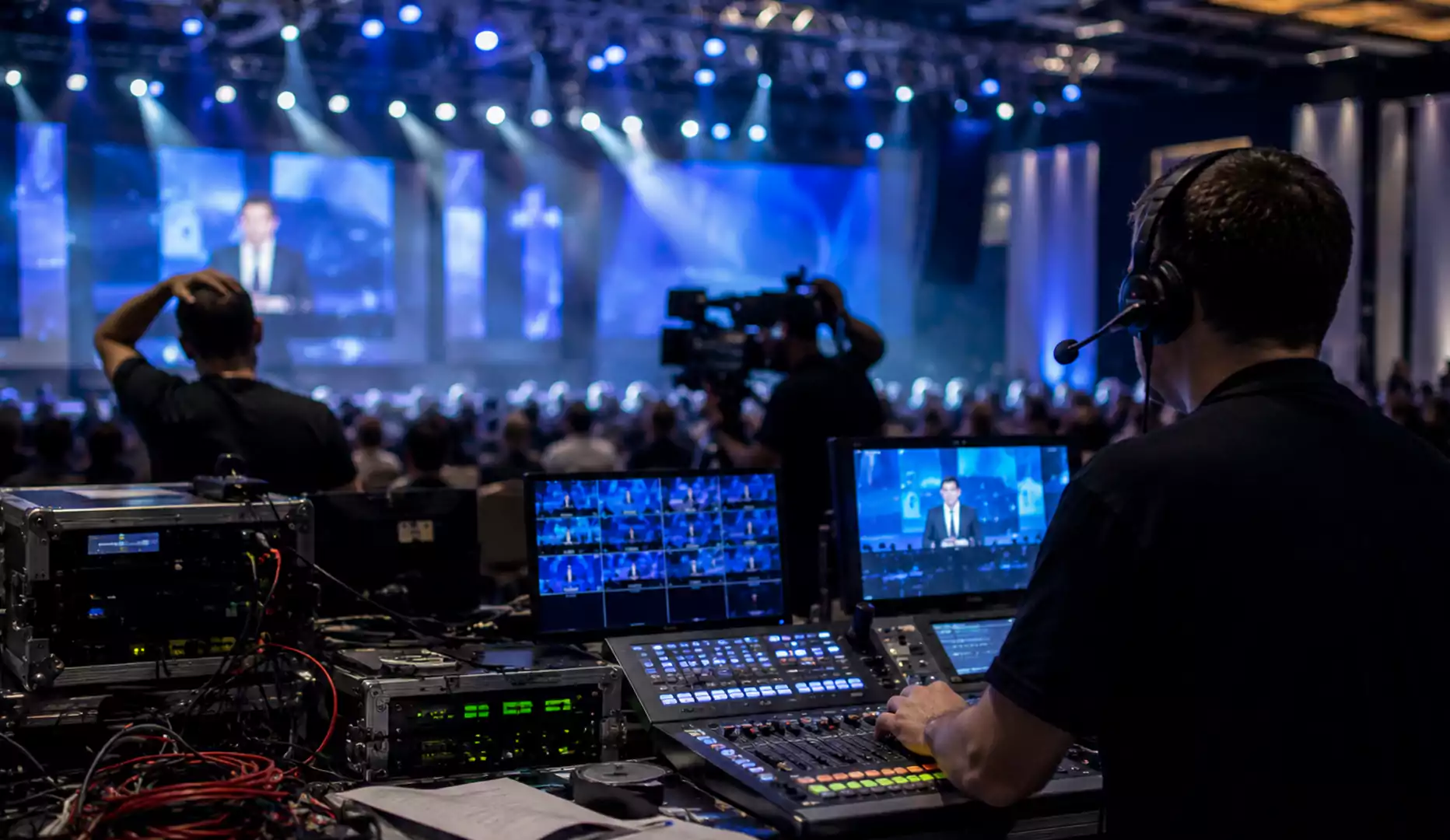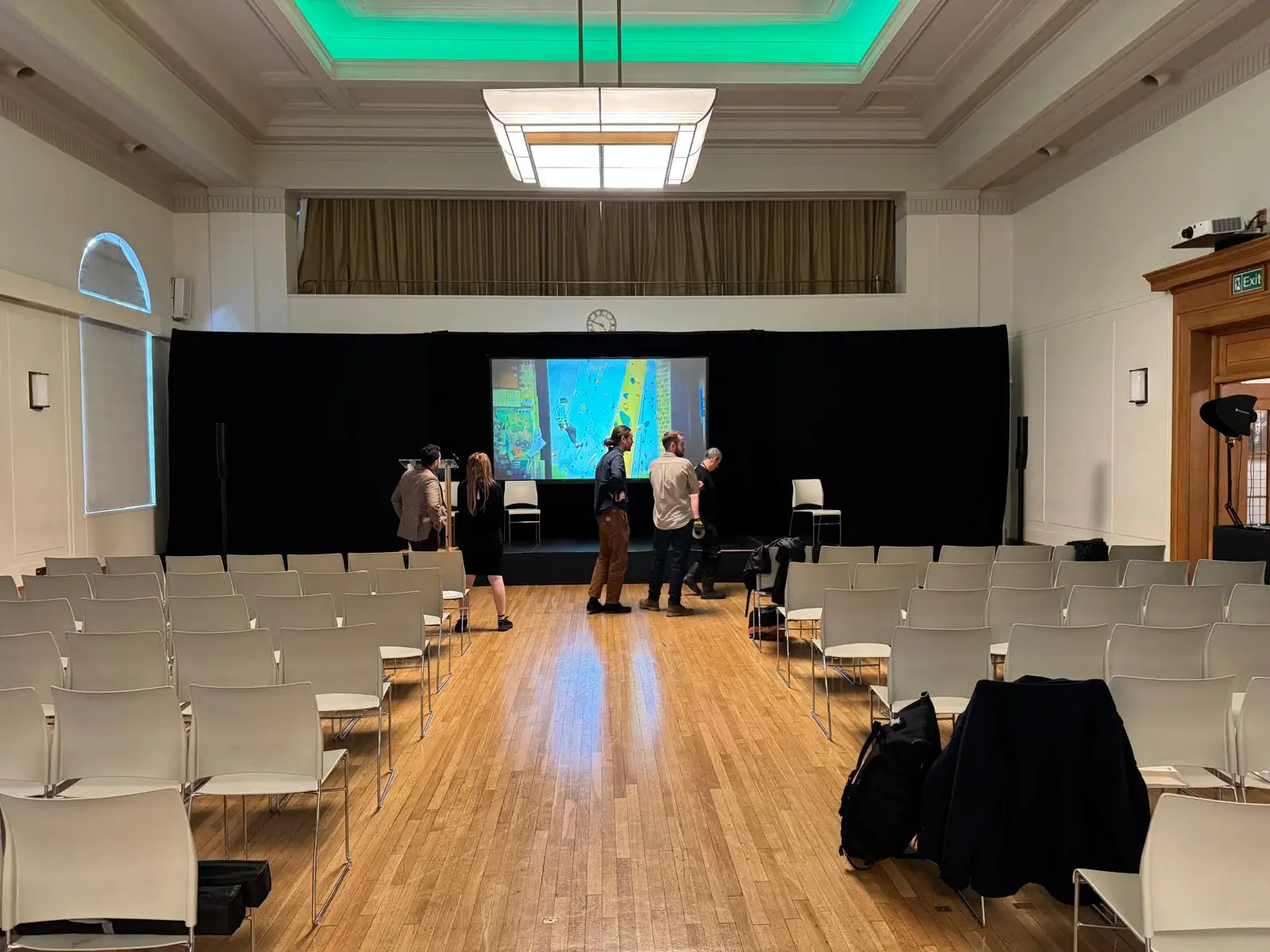
Setting up a projector for a business event is about more than putting an image on a screen. In meetings, conferences, training sessions, and live presentations, projector setup affects readability, audience engagement, and how professional the event feels.
A weak setup can leave slides looking dim, text hard to read, and presenters struggling with avoidable technical issues. A well-planned setup creates a clearer image, smoother delivery, and a better experience for everyone in the room.
In this guide, you’ll learn how to set up a projector properly in a business environment, with practical advice on room planning, screen choice, image alignment, connectivity, and event day checks.
Why projector setup matters in business settings
In a home environment, projector setup is mostly about entertainment. In a business environment, it affects communication.
If the audience cannot read the screen comfortably, the presentation loses impact. If the projector is not bright enough for the room, branded visuals look weak. If the connection fails just before a keynote or client presentation, confidence drops immediately.
That is why projector setup should be treated as part of the overall AV plan, not left until the last minute.
Start with the room
One of the biggest projector mistakes is focusing on the equipment before assessing the venue. The room should shape the setup.
Look at the basics first:
- Room size.
- Ceiling height.
- Screen position.
- Ambient light.
- Audience distance.
- Power access.
- Presenter movement.
A boardroom, training space, and conference hall all need different projector setups. The more accurately the room is assessed, the more reliable the final result will be.
Choose a projector that suits the environment
Knowing how to set up a projector properly starts with choosing the right specifications for the space.
- Brightness
Brightness is measured in lumens, and it has a major effect on visibility. Smaller rooms with controlled lighting need less output than larger venues or brighter spaces.
- Small meeting rooms often need lower brightness.
- Conference rooms usually need more output.
- Bright venues and larger audiences often require high-lumen projectors.
- Outdoor or high-ambient-light settings need even more power.
If the projector is underpowered, the image may appear washed out even if everything else is set up correctly.
- Resolution
Resolution affects sharpness. For most business presentations, Full HD is sufficient. If the presentation includes detailed graphics, data-heavy slides, or is being shown on a very large screen, a higher resolution may be worth considering.
- Throw ratio
The throw ratio determines how far the projector needs to be from the screen. In smaller rooms, a short-throw model may be the better choice. In larger spaces, a standard or long-throw projector may work well if the room layout allows it.
Screen choice makes a visible difference
A projector can only perform as well as the surface it projects onto. In informal situations, a plain wall may be acceptable. In business settings, a proper projection screen usually creates a noticeably better result.
A good screen helps with:
- Image clarity.
- Brightness consistency.
- Better contrast.
- Improved visibility across the room.
- A more professional finish.
Portable screens work well for temporary events. Fixed or motorised screens are often better for permanent meeting spaces. Rear projection can also be useful in stage environments where shadows need to be avoided.
Position the projector carefully
Projector placement has a direct effect on image quality. Even a high-spec unit can look poor if it is badly positioned.
- Height and alignment
The projector should be aligned with the centre of the screen as closely as possible. If it sits too high, too low, or too far off-centre, the image can become distorted.
- Keystone correction
Keystone correction can help with small adjustments, but it should not be doing all the work. Physical alignment is always better because it preserves image quality.
- Stability
In business events, the projector should be securely mounted or placed on a stable surface. A slight movement can affect alignment and make the image look unprofessional.
Calibrate the image properly
Once the projector is in position, the image should be adjusted to suit the room and content.
Focus first, then check the zoom, brightness, and contrast. Text should be clear across the entire screen, not just in the centre. Logos and visuals should look sharp and balanced.
Check these settings before the event starts:
- Focus.
- Zoom.
- Screen fit.
- Brightness.
- Contrast.
- Picture mode.
- Colour balance.
Default settings are rarely ideal for every venue. A few minutes of calibration can make a significant difference.
Test connectivity before the room fills
Many projector problems come from cables, adapters, or source devices rather than the projector itself. That is why connectivity should always be checked in advance.
Common connection types include:
- HDMI.
- USB-C.
- VGA.
- HDBaseT.
- Wireless presentation tools.
Before the event starts, test:
- Laptop compatibility.
- Adapters and dongles.
- Video playback.
- Embedded audio.
- Display resolution.
- Correct input source.
For important presentations, wired connections are usually the safest primary option. Wireless tools can be useful, but they should not be the only plan.
Do not overlook audio
A projector setup is not complete if the sound has been ignored.
If the presentation includes video, walk-on music, or shared media, the audio should be tested as carefully as the visuals. Built-in projector speakers are rarely enough for professional use, especially in larger rooms.
Depending on the event, audio may need to run through:
- Room speakers.
- A soundbar.
- Powered speakers.
- A PA system.
Good visuals with weak sound still create a poor audience experience.
Check the room under live conditions
One common mistake is setting the projector in ideal conditions and forgetting that the room changes once the event begins.
Lights may be raised, doors may open, blinds may shift, and more people may enter the space. All of that can affect how the image looks.
Before the audience arrives, do one final check under the same conditions the event will actually use. This helps prevent washed-out slides and weak contrast once the session starts.
Run through the presentation before it begins
A pre-event run-through is one of the simplest ways to avoid projector issues. This does not need to be complicated, but it does need to be done.
A proper check should include:
- Slide visibility from the back of the room.
- Video playback.
- Audio levels.
- Clicker function.
- Cable security.
- Backup connection readiness.
If multiple presenters are involved, test their devices too. For higher-stakes events, keeping a backup laptop or presentation file ready is a smart precaution.
Common projector setup mistakes
In business environments, the same issues tend to appear again and again. These are some of the most common:
- Using a projector that is too dim for the room.
- Choosing a screen that is too small for the audience.
- Relying too heavily on keystone correction.
- Skipping the final live-room brightness check.
- Assuming every presenter’s device will connect without testing.
- Treating the projector as separate from the wider AV setup.
Most of these problems are preventable with better planning.
When professional AV support is needed
Some projector setups are straightforward. Others are more complex.
For simple internal meetings, an in-house team may be able to manage the setup. For conferences, seminars, hybrid & virtual events, product launches, and business-critical presentations, professional AV support often matters.
An AV team can help with:
- Choosing the correct projector spec.
- Matching the projector to the screen and room.
- Safe cable routing.
- Audio integration.
- Backup planning.
- On-site technical support.
For important events, that support reduces risk and gives presenters more confidence.
Final thoughts
Learning how to set up a projector properly can improve the quality of any meeting, presentation, or corporate event. The best results come from understanding the venue, choosing the right equipment, aligning the image correctly, testing the signal and sound, and checking everything under event conditions.
When the projector setup is handled well, the presentation feels clearer, smoother, and more professional. And in business environments, that makes a real difference.
Need help with projector setup for a business event?
If you are planning a conference, meeting, seminar, or corporate presentation, AV Productions can help with projector hire, screen setup, and technical support tailored to your venue and audience size.
Speak to our team to discuss the right setup for your next event.
FAQs
How do you set up a projector for a business presentation?
Set the projector at the correct distance and height, connect the source device securely, align the image to the screen, adjust focus and brightness, and test everything before the audience arrives.
What is the best projector setup for a meeting room?
The best setup depends on the room size, audience distance, and lighting, but usually includes a properly sized screen, suitable brightness, and stable wired connectivity.
Why does my projector look washed out?
This usually happens when the projector is not bright enough for the room, the screen is unsuitable, or the image was calibrated in darker conditions than the live event uses.
Should I use a wall or a screen?
A wall can work for informal use, but a proper screen usually gives better clarity, brightness, and professionalism for business presentations.
Do I need an AV technician for projector setup?
For simple meetings, maybe not. For larger or business-critical events, an AV technician helps reduce risk and improve reliability.