Choosing the right AV and display equipment for your exhibition stand comes down to three things. The first is your goal, the second is your stand size, and the third is your venue conditions. For most trade shows, the safest high-performing setup is one bright professional display (or a small LED wall), focused lighting on your product/demo area, and sound kept controlled or skipped entirely.
In this guide, you’ll see what to hire, what to avoid, and what works best in busy halls and large convention centres.
1) Start with the goal (because the goal decides the gear)
Before you think about screens and speakers, decide what you want visitors to do. Pick one main outcome:
A) Get noticed from the aisle
You need bold visuals that read fast. Movement helps. This is where an LED wall can be worth it.
B) Explain what you do in seconds
You need one clear screen message, not a slideshow full of paragraphs.
C) Run demos
You need the screen close to the demo area, plus lighting that makes the product look good on camera and in real life.
D) Capture leads
You need a simple “take action” flow: QR code + landing page, or touchscreen lead capture.A lot of stands feel busy but don’t convert because they try to do all four at once. Choose one main job, then build your exhibition AV around it.
2) Know your space (stand size + hall reality)
This is where most people waste money: hiring impressive kit that doesn’t fit the stand or the venue.
Stand size and viewing distance
If people can’t understand your message while walking past, you’re losing the easiest wins.
- Small stand: clarity beats size.
- Large stand: placement beats quantity.
- Any stand: one strong “hero” visual beats three competing screens.
Light and noise
Trade show halls are bright. Even if the venue looks fine during setup, the lighting changes when the show opens, and the hall fills up.
Noise is the same. Once you’ve got crowds, PA announcements, and neighbouring stands competing for attention, weak audio becomes pointless.
If you’re choosing exhibition display equipment, assume: bright environment + constant distraction.
3) What to choose in exhibition display equipment and why
This is the main part of the decision for most exhibitors.
Option 1: Professional displays (the safest choice for most stands)
If you’re showing product videos, service explainers, simple slides, pricing, menus, or proof points, go with a professional display.
Why it works
- Bright and readable in halls.
- Sharp text.
- Reliable for long show days.
- Simple to operate.
What makes it perform
- Big type.
- Minimal text.
- High contrast.
- One message per loop.
This is often the best starting point for anyone searching for equipment for exhibition or fair stand equipment and wanting something dependable.
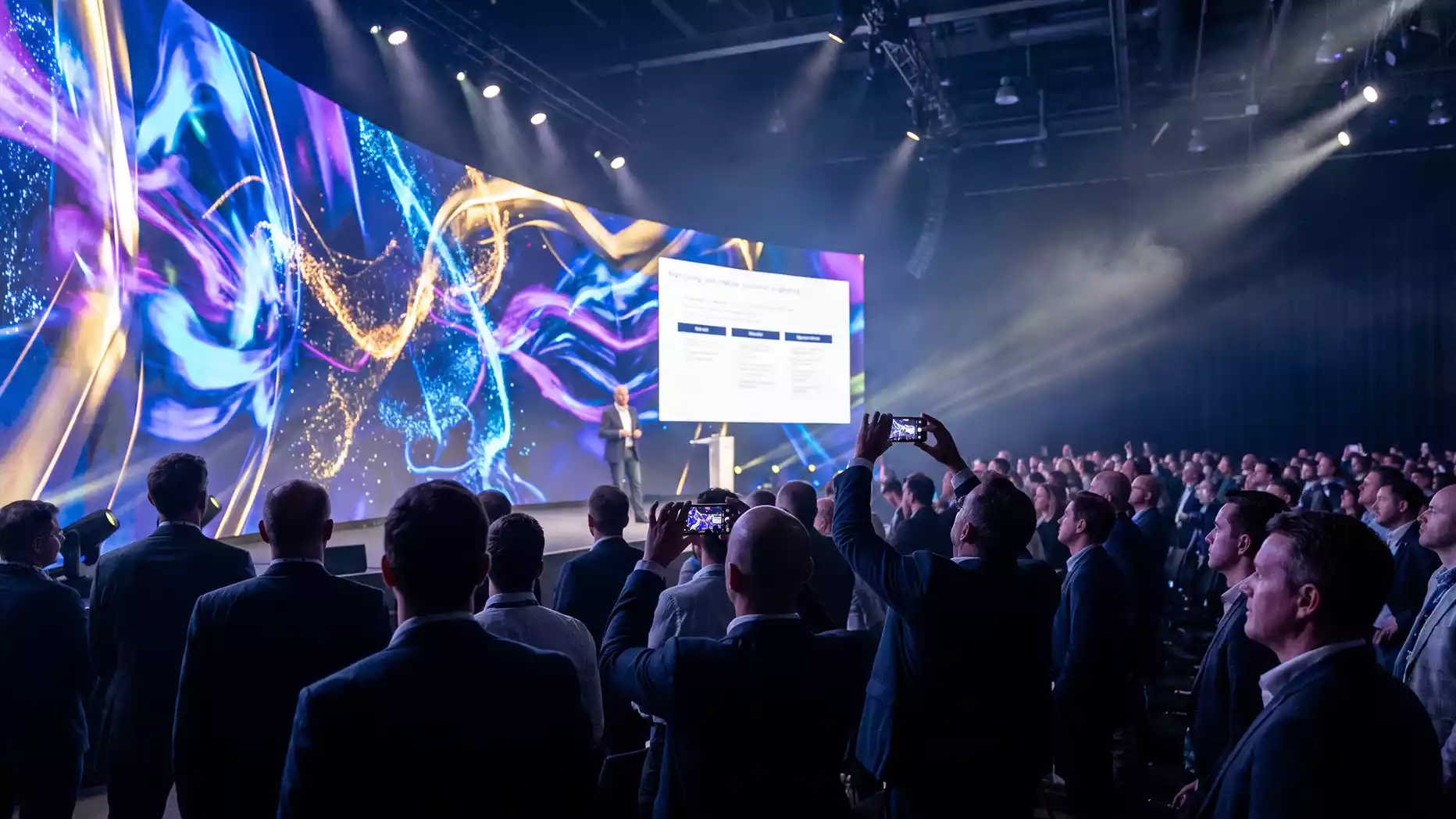
Option 2: LED walls (when you need impact)
LED walls are made for attention. They’re not “better” than a display, they’re different.
Use an LED wall if
- You need to be seen from farther away.
- You’re in a high-footfall aisle.
- Your content is strong (motion graphics, clean video, bold messaging).
Avoid an LED wall if
- You’re showing text-heavy slides.
- Your video quality is poor.
- Your main content is basically a brochure on screen.
A big LED wall with weak content doesn’t look premium; it looks unfinished.
Option 3: Touchscreens (best for engagement)
Touchscreens are brilliant when your goal is to keep people on the stand and let them explore without pressure.
Use them for:
- Product selectors.
- Digital brochures.
- Case studies people can browse.
- Quick questionnaires.
- Lead capture.
This is where exhibition AV display stands can become genuinely interactive, not just flashy.
4) Audio: the part people notice when it’s wrong
Lots of stands don’t need audio at all. If your video can’t be understood without sound, it usually needs a rewrite.
When audio is worth it
- Live demo where sound adds value (product audio, before/after, explained steps).
- A presenter doing scheduled mini talks.
- A controlled demo area where sound won’t spill into the aisle.
How to do it without annoying neighbours
- Keep volume low and directed inward.
- Use contained speakers or directional sound.
- Consider silent demos with headsets in very noisy areas.
If you’re planning any presenting, this is where AV presentation equipment comes in:
- Lapel mic (hands-free and tidy).
- Handheld mic (better for Q&A).
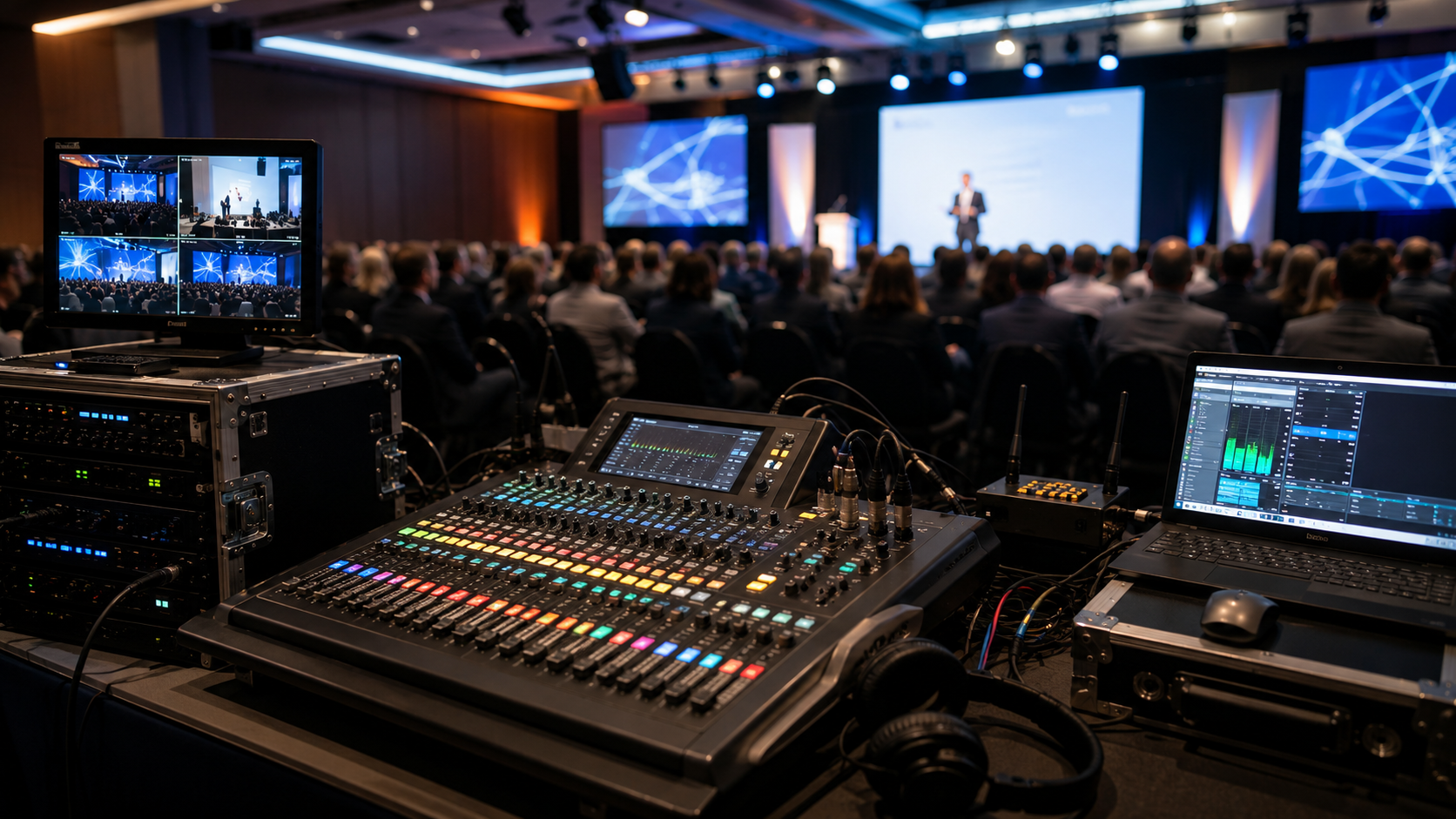
- Small mixer (if multiple sources).
- Speaker placement aimed at your audience zone, not the aisle.
5) Lighting: the easiest way to make a stand look “proper.”
Lighting is what turns “a stand with screens” into “a stand with presence.” A simple lighting plan usually beats a complicated one.
What works
- Spotlight the product/demo area.
- Light your logo/message so it reads clearly.
- Add a couple of uplights for depth (especially on fabric walls or graphics).
Warm vs cool
- Warm feels welcoming (good for hospitality, lifestyle, travel).
- Cool feels crisp (good for tech, finance, professional services).
You don’t need a nightclub. You need direction, lighting that tells people where to look.
6) Content rules (the bit that actually drives results)
You can hire the best kit in the hall and still underperform if your content is doing too much.
Make your content “walking-speed friendly.”
People glance first, then decide if they stop.
Good stand content:
- One idea per screen.
- Clear headline (what you do / who it’s for).
- Simple visual proof (product shot, result, demo clip).
- Loop that looks fine even without sound.
Bad stand content:
- Paragraphs.
- Dense bullet lists.
- “About us” videos that take 2 minutes to say anything.
If your screen is a brochure, people treat it like one: they ignore it.
7) Practical setup (where the real problems happen)
This section can be boring for some, but it’s the difference between a calm show day and a stressful one.
Cable management
Messy cables make a stand look cheap and create trip hazards. Use covers, tidy runs, and hidden power where possible.
Power planning
Don’t assume sockets will be where you want them. Stands often need:
- Power distribution.
- Safe routing.
- Backup options for media players and adapters.
Build in a “plan B”
Cables fail. Players freeze. Someone unplugs something. If your stand relies on screens, having support is not a luxury; it’s insurance.
This is why working with a proper organiser, AV supplier, and exhibition partner matters. You want someone who thinks about setup and reliability, not just delivering kit.
“We’re exhibiting at a large convention centre. What AV setup works best for trade shows?”
In a large convention centre, you’re competing with distance, noise, and visual clutter. People move fast. If your setup is subtle, it disappears.
A setup that usually performs well:
- A larger hero display or LED wall facing the main footfall.
- A short loop with bold visuals and minimal text.
- A clearly lit demo/product zone.
- A defined “stand flow” so people can step in without blocking the aisle.
- Audio kept contained (or silent demos).
What usually fails:
- Small screens that can’t be read from a few metres away.
- Dark videos in a bright hall.
- Long content that takes too long to explain your point.
- Audio that tries to compete with the hall.
Big venues reward clarity and confidence, not complexity.
Top recommendations (simple choices always win)
- Choose exhibition stand equipment that suits your content (not the other way around).
- Build around one hero visual instead of lots of competing screens.
- Keep your message readable from a few metres away.
- Use lighting to guide attention to one key zone.
- Add AV presentation equipment only if you’re actually presenting.
- Plan cabling and power like a pro (because it affects safety and appearance).
Need help choosing the right setup?
If you’re planning an event and want exhibition stand AV hire that fits your stand size, venue, and goal (without overhiring), AV Productions can help you plan it properly.
We supply and support exhibition stand equipment, including screens, LED walls, touchscreens, lighting, and AV presentation equipment, and we’ll tell you honestly what you need, what you don’t, and how to make it look sharp on the day.
Want a quick recommendation? Send your stand size, venue, and what you’re trying to achieve, and AV Productions will suggest a complete package that works.
FAQs
What is exhibition stand equipment?
Exhibition stand equipment is the AV and display kit used to attract attention and communicate your message at a trade show, typically including screens or LED walls, lighting, audio, and AV presentation equipment for demos.
What’s the difference between exhibition AV and exhibition display equipment?
Exhibition display equipment usually means the screens, monitors, LED walls, and touchscreens. Exhibition AV includes those displays plus playback, audio, lighting, cabling, power distribution, and on-site setup.
Do I need speakers on an exhibition stand?
Not always. Many stands perform better with silent-friendly content and no audio. Use speakers only if the sound genuinely improves the demo and can be kept contained.
What AV presentation equipment do I need for demos?
Most demo setups need a lapel mic, a simple speaker setup aimed inward, and a small mixer if you have more than one audio source.
What’s the best exhibition stand AV hire UK approach for a first-time exhibitor?
Start simple with one bright display, a short loop, focused lighting, tidy cables, and support you can rely on. Upgrade to LED or interactive touch only when the goal requires it.